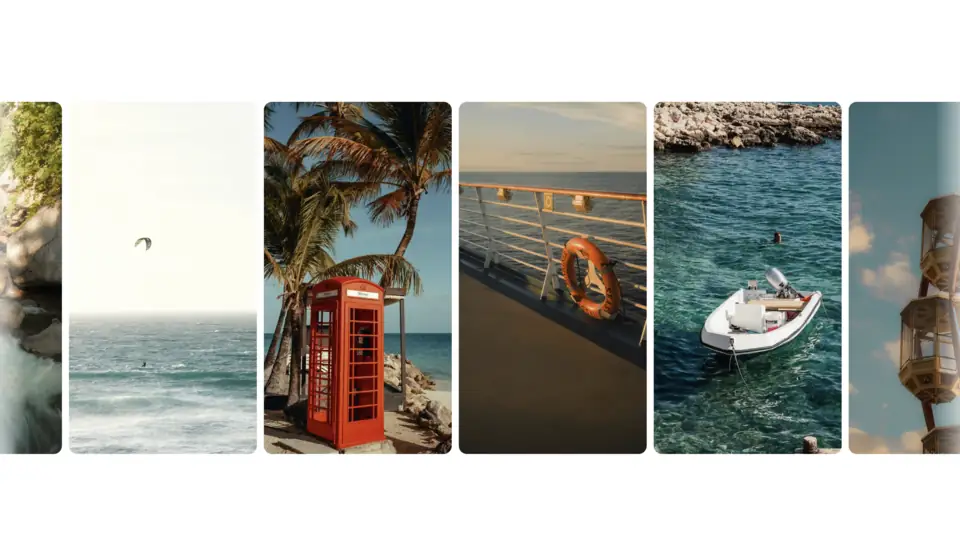
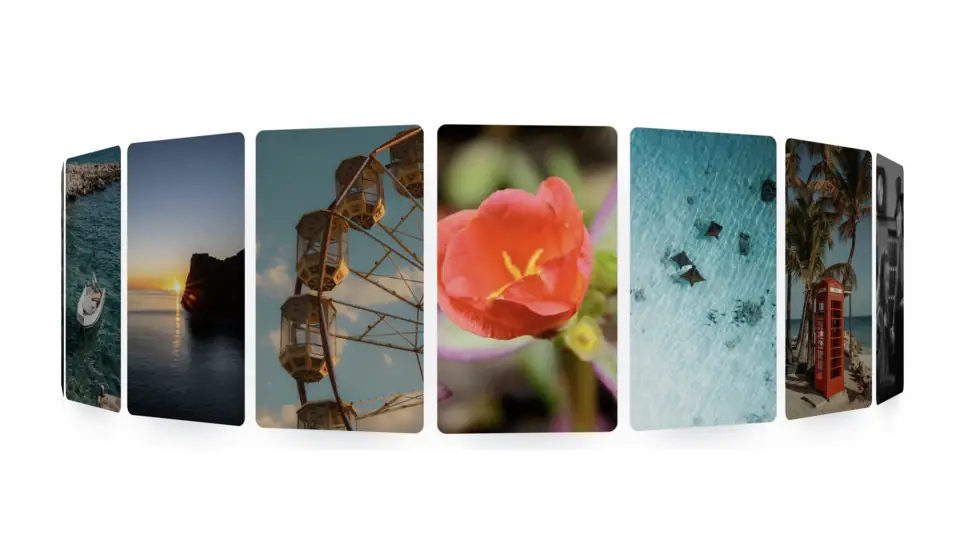
Marquee
Pro“Motion that finally feels like it belongs in the product.”
Aria Chen
Design, Linear
“Dropped it in and shipped the same afternoon.”

Juno Park
Frontend, Vercel
“The hover slowdown alone sold the whole team.”
Kai Moreno
Founder, Arc
“Every detail is considered. Nothing is decoration.”
Nova Reyes
Product, Raycast
“The first marquee I've used that respects the keyboard.”

Rio Tanaka
Engineering, Resend
“Fling it, drag it, hover it. It always lands softly.”
Sage Okafor
Design, Cal.com
Installation
npx shadcn add @useplanes/marquee
Works once the @useplanes registry is set up in your project (one-time). After that, copy and run commands directly.
Unlock with Planes Pro
$99 once · 161 Pro components · lifetime updates.
import { Marquee } from "@/components/ui/Marquee";

<Marquee speed={40} pauseOnHover="slow" fade>
  {logos.map((l) => <Logo key={l.id} {...l} />)}
</Marquee>
Examples
Two opposing rows
Compose rows; each Marquee owns its own frame loop and pauses when scrolled out of view or the tab is hidden.
<Marquee speed={40}>{cards}</Marquee>
<Marquee speed={40} direction="right">{cards}</Marquee>
Reduced motion
Renders a single static, natively scrollable row with no frame loop and no edge mask.
<Marquee>{logos}</Marquee>Use cases
Logo walls
Customer logos that keep moving without ever snapping to a stop under the cursor.
Testimonial rows
Two rows in opposite directions; keyboard focus on a card pauses so it can be read.
Ticker tape
Vertical news or changelog feed in a sidebar.
Product screenshots
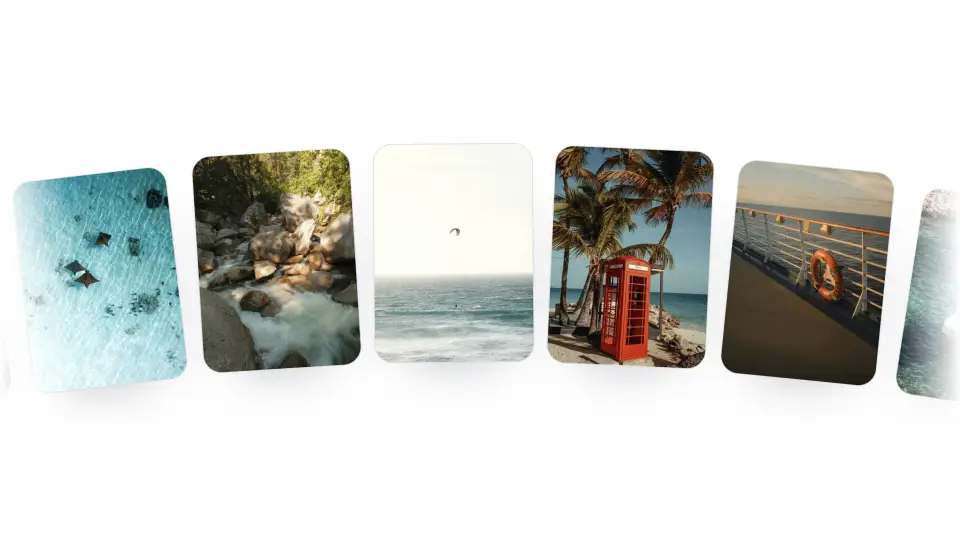
A draggable strip visitors can fling through.