Tool Call Card
ProInstallation
npx shadcn add @useplanes/tool-call-card
Works once the @useplanes registry is set up in your project (one-time). After that, copy and run commands directly.
Unlock with Planes Pro
$99 once · 161 Pro components · lifetime updates.
import { ToolCallCard, type ToolCallStatus } from "@/components/ui/ToolCallCard";

<ToolCallCard
  name="read_file"
  label="Read page.tsx"
  args={{ path: "src/app/page.tsx" }}
  result={fileContents}
/>
Examples
Drive it from a real stream
Pass status yourself and the card follows your tool lifecycle instead of the demo timer.
const [call, setCall] = useState<{ status: ToolCallStatus; result: string }>({ status: "running", result: "" });

<ToolCallCard
  name="web_search"
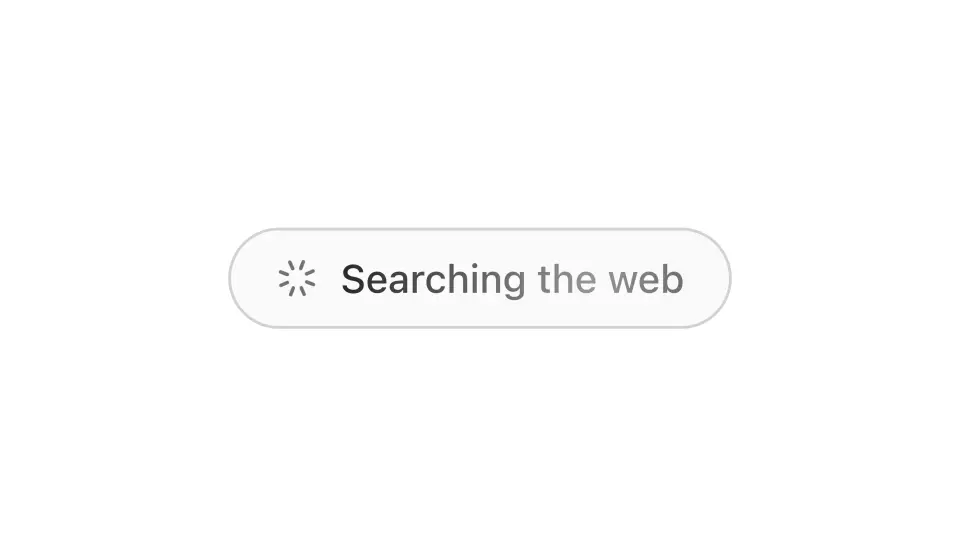
  label="Searching the web"
  args={{ query: "react 19 use hook" }}
  status={call.status}
  result={call.result}
/>
Chain several calls
Mount each row when its call starts, inline with the assistant's text. A tool call has no pending state in a real transcript.
{events.map((e) =>
  e.type === "tool" ? <ToolCallCard key={e.id} {...e} status={e.status} /> : <p key={e.id}>{e.text}</p>
)}
Use cases
Agent transcripts
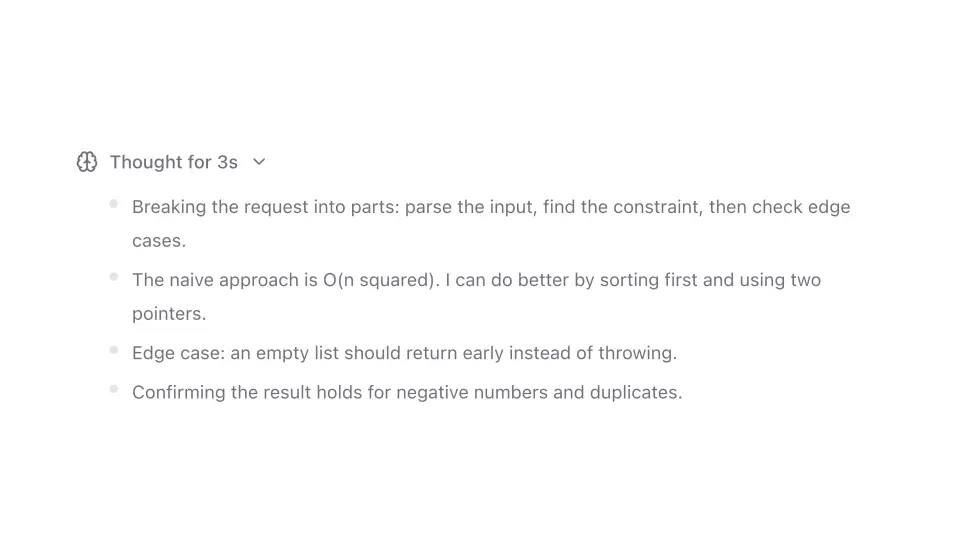
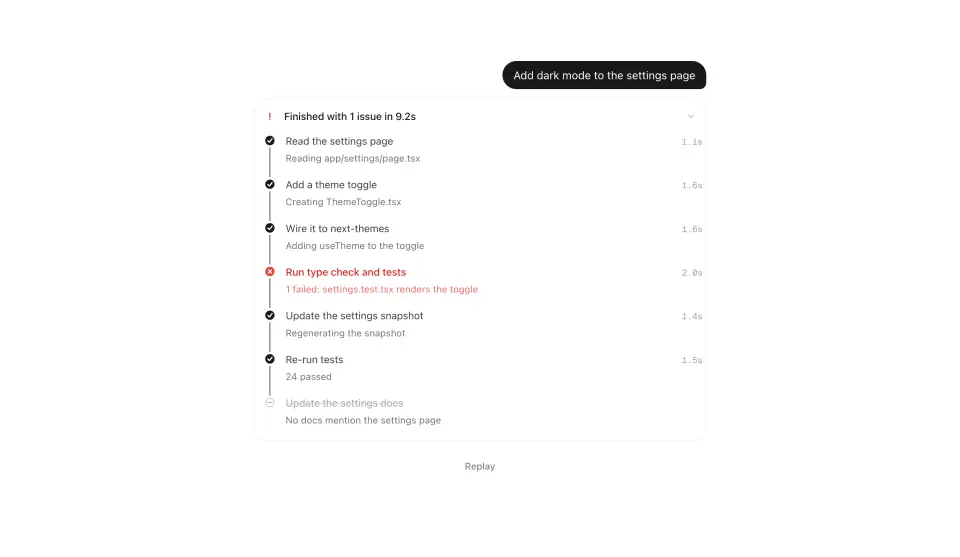
Every tool the assistant calls gets a row the user can open, so the chat stays readable while nothing is hidden.
Coding assistants
Read, search, and edit calls stacked above a reply, the way Cursor and Claude Code render them.
RAG and search products
Show the retrieval step with its query and the documents it returned before the answer streams.
Workflow runners
One card per step in an automation, with failures surfacing inline instead of in a log.