WebGL Shader Backgrounds for React
Full-viewport backdrops, each a single React component with no Three.js dependency, all but one rendered in a fragment shader (Beams is pure CSS). Light effects like a logo flare and a prism, fluid and smoke simulations, embers and streaks, a cloud deck seen from altitude, and a ray-marched torus quantized into terminal glyphs.
21 components · Browse all components
Components

Logo Flare
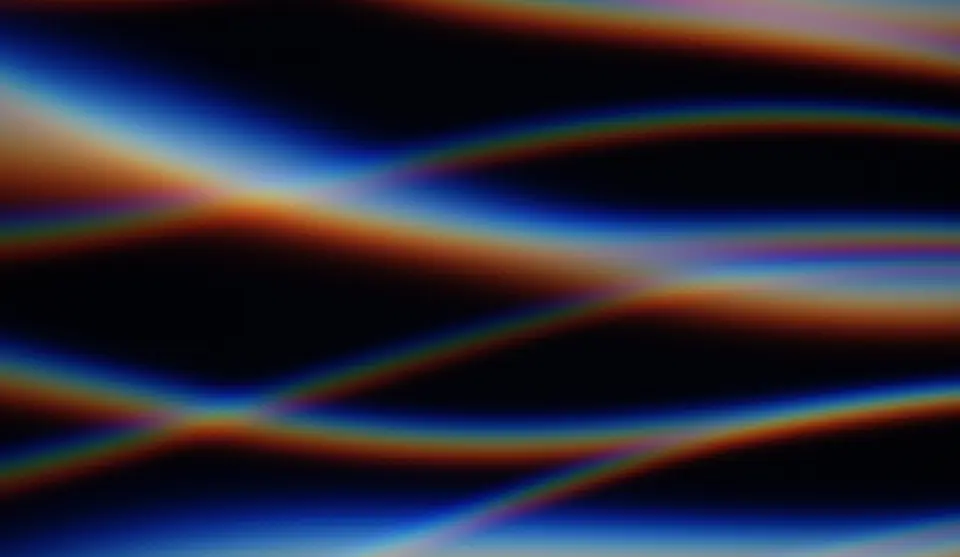
Prism

Wind Tunnel
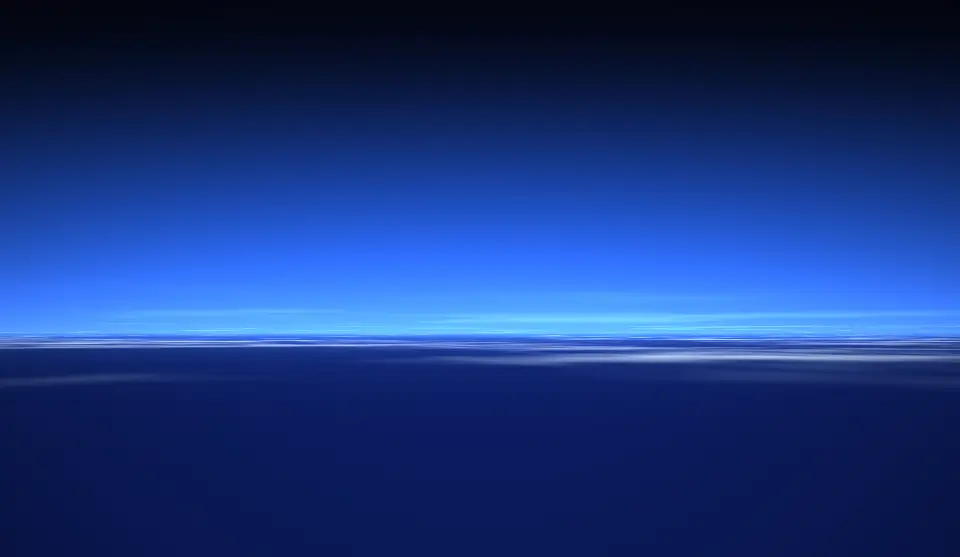
Cloud Sea
Ink
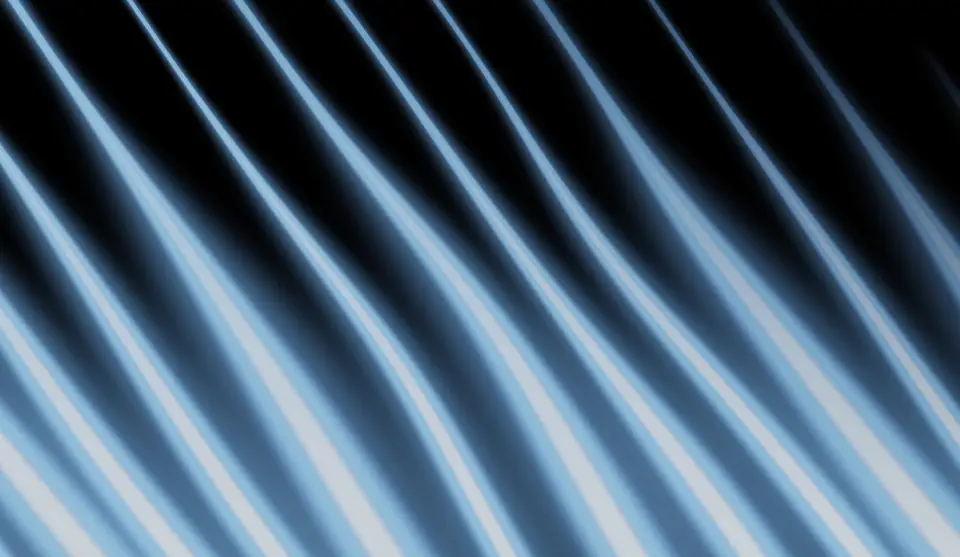
Slipstream
Embers
Beams

ASCII WebGL

Dither Field
Ferrofluid
Cymatics
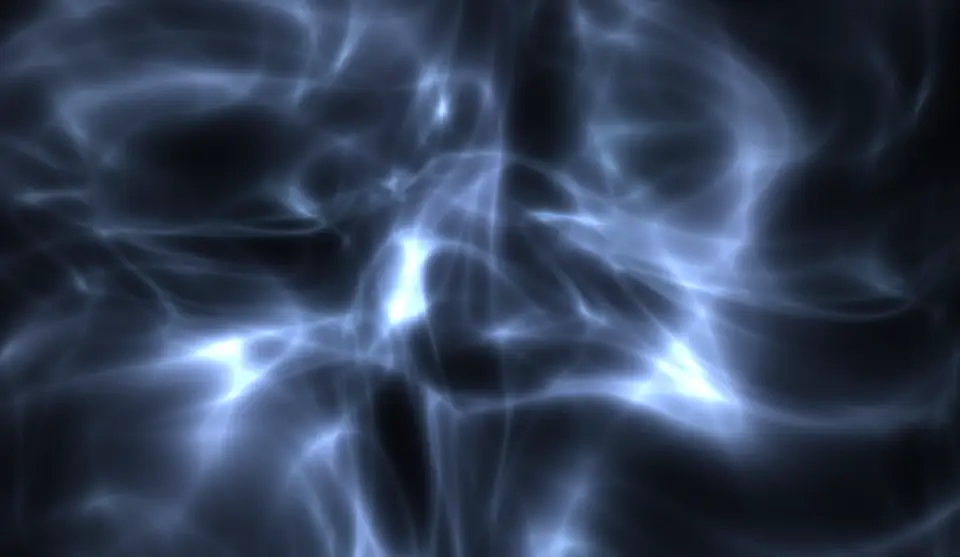
Caustics
Thin Film
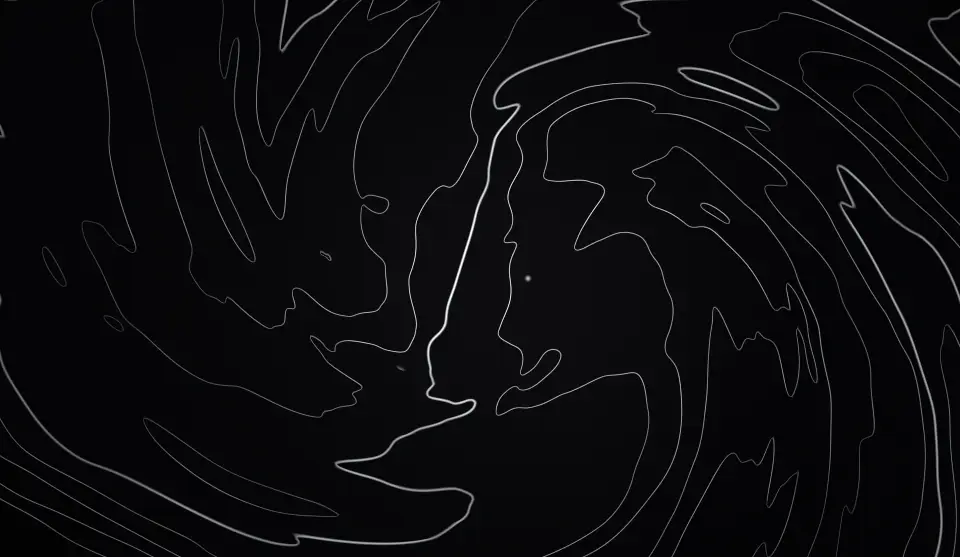
Topography

Jali
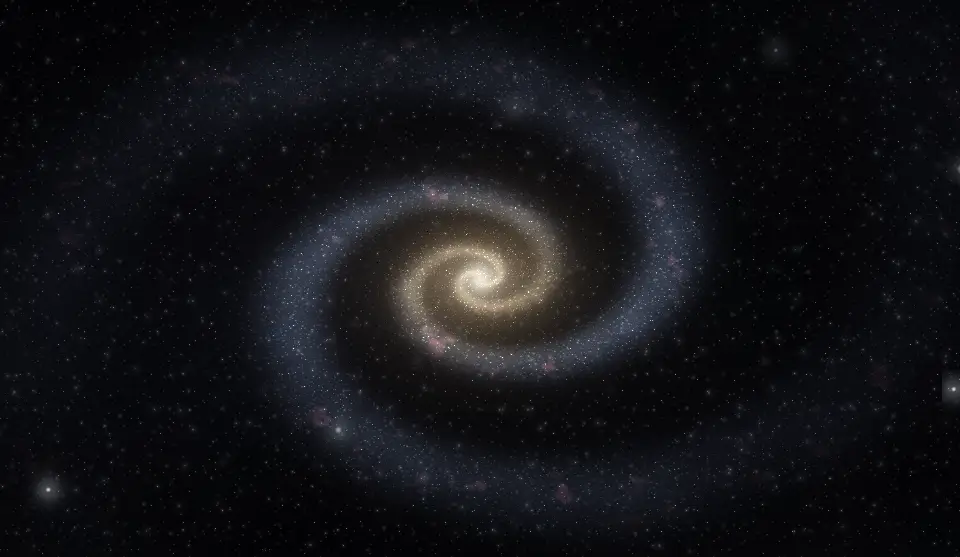
Galaxy
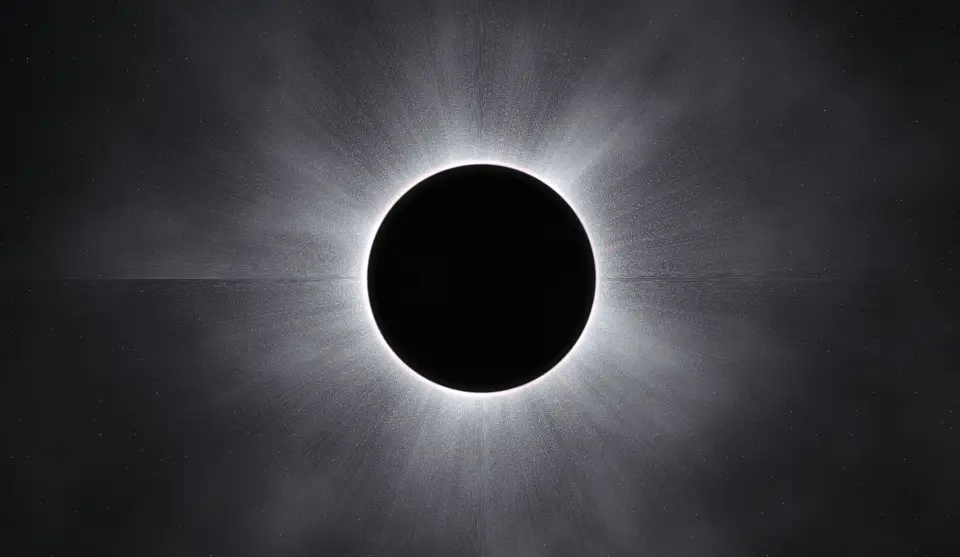
Eclipse

Streaks
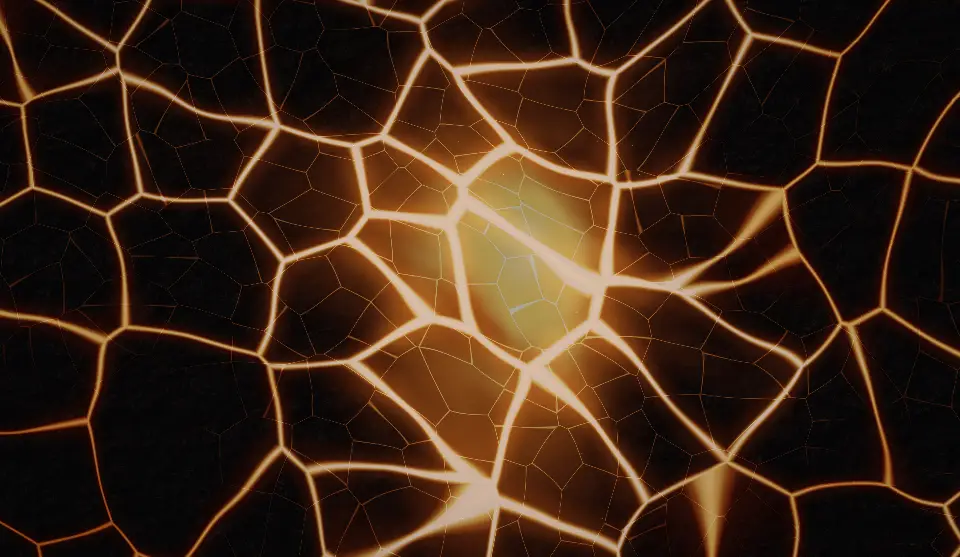
Magma

Warp
FAQ
- Will the WebGL backgrounds slow the page down?
- The shader backdrops render on the GPU in a single full-screen quad, pause when off screen or hidden, cap pixel density on all but Ink, and fall back to a plain background when WebGL is unavailable or reduced motion is set. Beams is pure CSS with no canvas at all.
- How do I install the components in WebGL?
- With the shadcn CLI. Each component page lists its exact command: free components install from a public URL (npx shadcn add https://useplanes.com/r/<name>.json), Pro components install by name (npx shadcn add @useplanes/<name>) after npx @useplanes/cli init --key <key>.
- Do they work with Next.js App Router and Tailwind CSS v4?
- Yes. Every component is a React 19 client component styled with Tailwind CSS v4, and works in Next.js App Router, Vite, or any React app with Tailwind CSS v4.
- Are the components in WebGL free?
- They are part of Planes Pro, a one-time license that covers every component and future additions. The catalog also has free components in other categories.
- What do they depend on?
- Motion (formerly Framer Motion) is the only runtime animation dependency. The CLI writes the .tsx source into your project, so there is no Planes package to keep updated.