Physics-Based React Animation Components
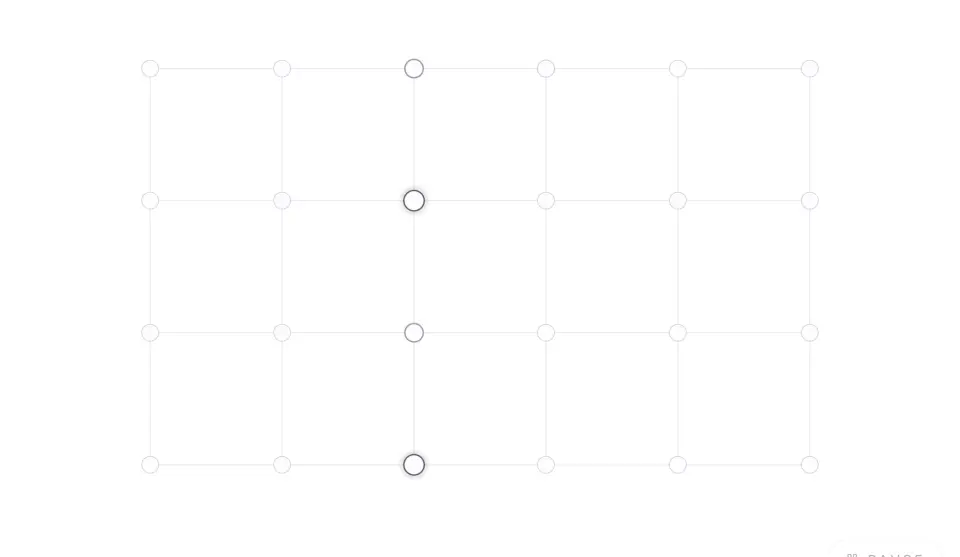
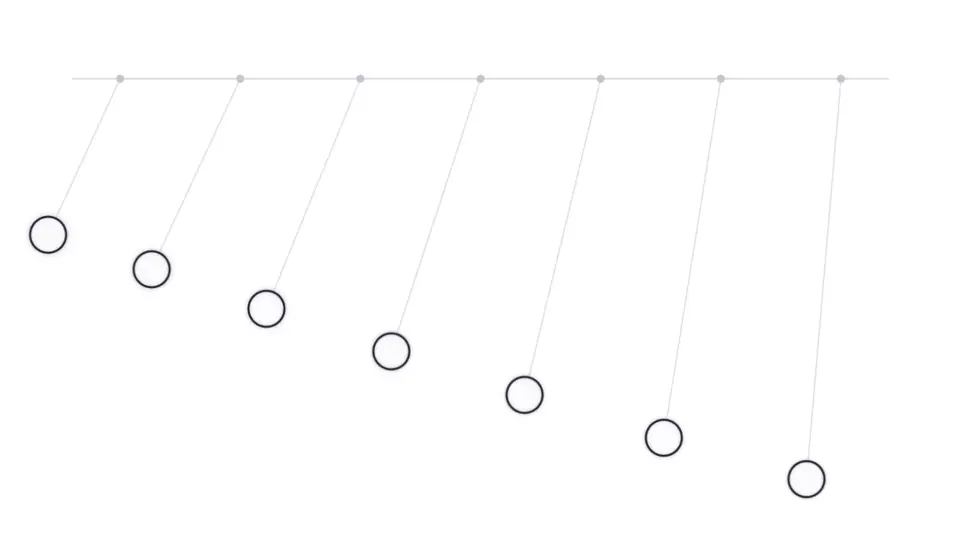
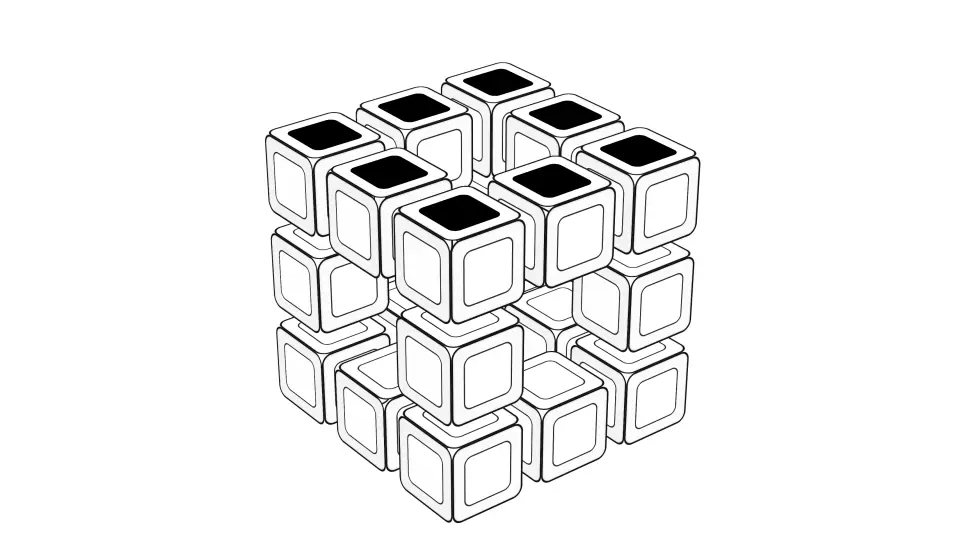
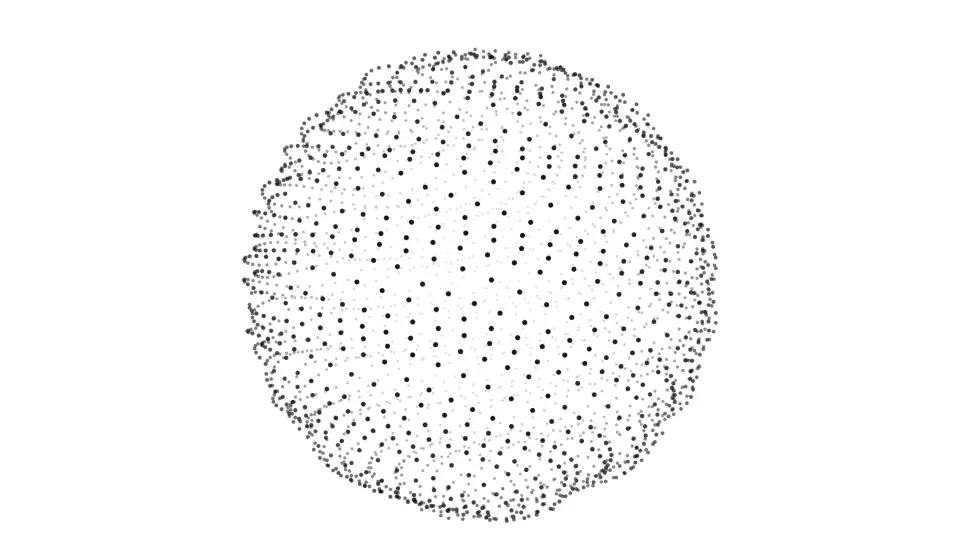
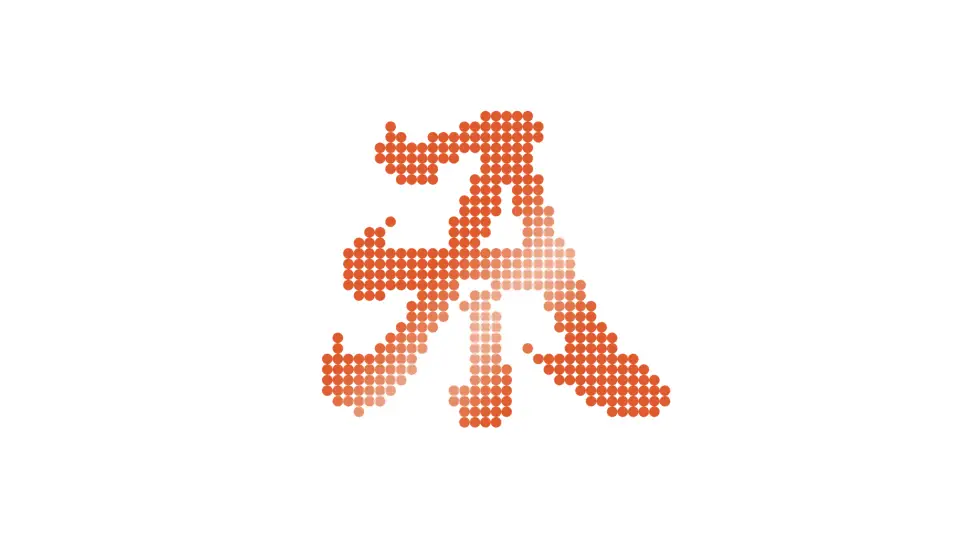
Motion that comes from simulation rather than keyframes. Pendulums that drift in and out of phase, wavefronts spreading across a grid, particles converging into text, a Rubik's cube you can twist, and dot fields that scatter from the cursor and snap back.
6 components · Browse all components
Components
FAQ
- How are the physics simulated?
- With Motion springs and small hand-written simulations in requestAnimationFrame. There is no physics engine dependency, and every piece respects prefers-reduced-motion.
- How do I install the components in Physics?
- With the shadcn CLI. Each component page lists its exact command: free components install from a public URL (npx shadcn add https://useplanes.com/r/<name>.json), Pro components install by name (npx shadcn add @useplanes/<name>) after npx @useplanes/cli init --key <key>.
- Do they work with Next.js App Router and Tailwind CSS v4?
- Yes. Every component is a React 19 client component styled with Tailwind CSS v4, and works in Next.js App Router, Vite, or any React app with Tailwind CSS v4.
- Are the components in Physics free?
- 2 of the 6 are free. The rest need a one-time Planes Pro license, which covers every component and future additions.
- What do they depend on?
- Motion (formerly Framer Motion) is the only runtime animation dependency. The CLI writes the .tsx source into your project, so there is no Planes package to keep updated.